
Computer vision.Operational clarity.

Count products. Inspect quality. Understand activity. Build camera-based AI around the conditions on your factory floor.

Discuss a vision use case
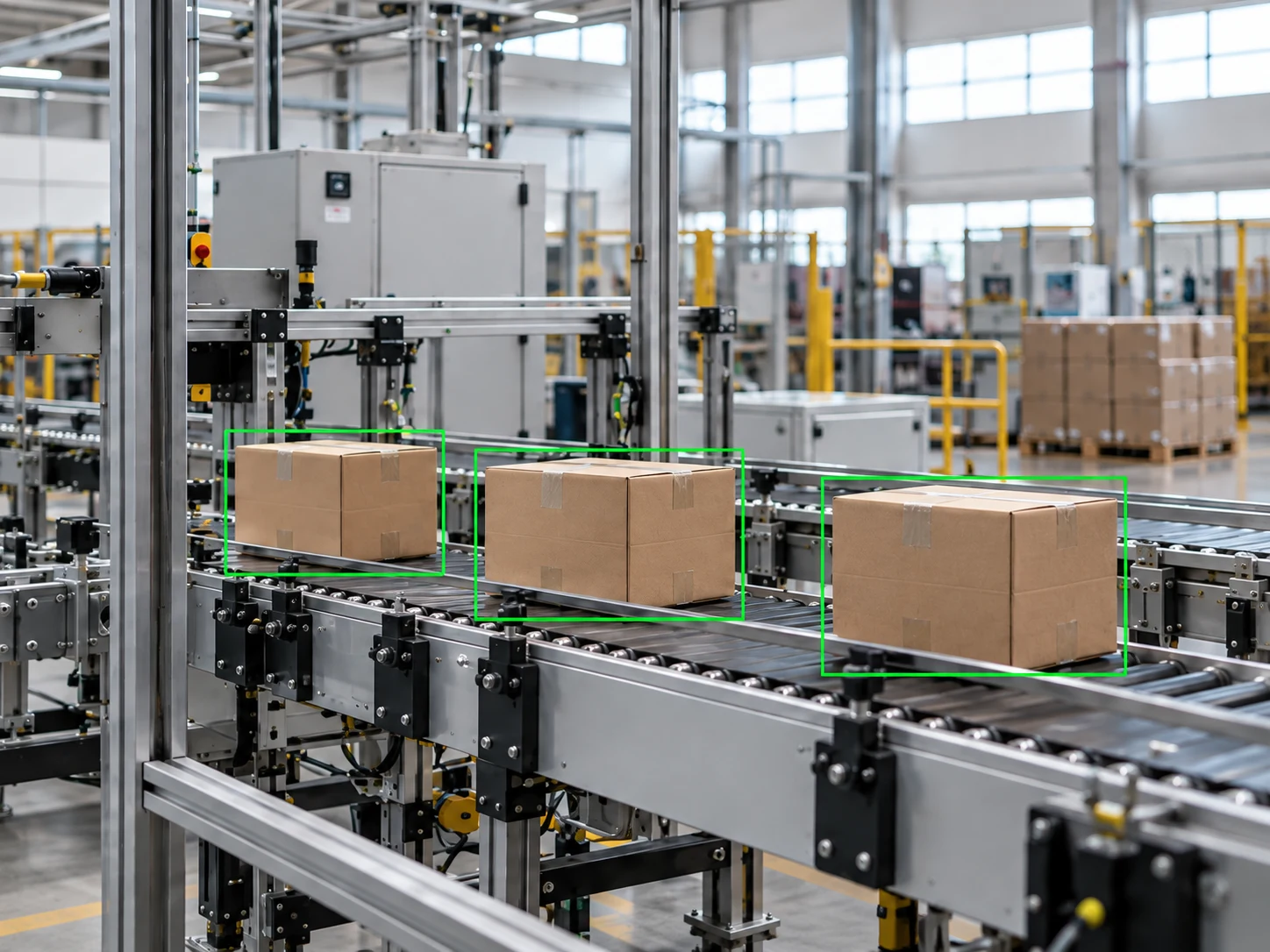
Illustrative computer vision application on a factory conveyor
Computer vision / Illustrative application

Make every observation useful.

Choose a specific line, inspection point or operating zone. We define what the AI should detect and how your team will use the result.

Product counting & traceability

Count items as they cross an agreed point on a conveyor, packing line or warehouse route. Record time and location, compare counts with operating records, and surface discrepancies for review.

Start with
Representative footage, product variations, line speeds, camera positions and independently checked counts.
Evaluate
Count error, missed or duplicate items, processing delay and performance across shifts and operating conditions.

Visual quality inspection

Inspect visible defects, missing components, label placement or packaging conditions. Route suspected issues to your quality team with the image and context needed to make a decision.

Start with
Approved defect definitions, labelled examples, acceptable variations and images from the proposed inspection point.
Evaluate
Defects found, missed defects, false rejects and review effort, assessed separately for each agreed defect type.

Safety events & occupancy

Monitor observable events such as missing PPE, entry into restricted zones, people near moving equipment and changes in occupancy. Highlight potential incidents for staff review and agreed escalation.

Start with
Site rules, zone maps, camera views, representative event examples and a named safety or operations reviewer.
Evaluate
Event detection, missed events, false alerts, alert delay and reviewer workload in the selected zones.

Face detection & privacy masking

Locate faces in images or video for presence checks and privacy masking in an agreed workflow. Keep the focus on detecting faces without identifying individuals.

Start with
Approved images or footage, expected viewing angles, lighting conditions and rules for access, masking and retention.
Evaluate
Missed faces, false detections and masking coverage across representative conditions and camera views.

A pilot built around real conditions.

A scoped pilot tests the use case against real site conditions. Camera suitability, edge or cloud processing, network access and integration requirements are assessed before implementation.

How we work

Define the scope

  • One process owner and an agreed counting, quality or monitoring problem.
  • Approved representative footage covering normal operation, exceptions and different shifts.
  • Camera and site details, reference labels or counts, and data security requirements.
  • An agreed review workflow and proposed connection to production, quality or warehouse systems.

Agree what success means

  • Performance against independently reviewed samples and the current process baseline.
  • Missed detections, false alerts and review effort by scenario.
  • Processing delay, operating cost and behaviour when cameras or networks are unavailable.
  • A documented decision to integrate, revise the scope or stop after the pilot.

Start focused.
Prove value.
Scale with confidence.

  1. 01

    Discover

    Understand the process, data and practical constraints.

  2. 02

    Assess

    Agree feasibility, scope and measurable success criteria.

  3. 03

    Pilot

    Evaluate one workflow in representative conditions.

  4. 04

    Integrate

    Plan rollout, ownership and ongoing evaluation.

Data security

Agree access, hosting and retention for camera feeds, documents and model providers before implementation.

Data integrity

Preserve source evidence, validate outputs and review exceptions before records reach your business systems.

Human oversight

Keep important decisions with your team, with defined review steps for AI alerts and generated outputs.

What could AI improve
in your operation?

Request a discovery call